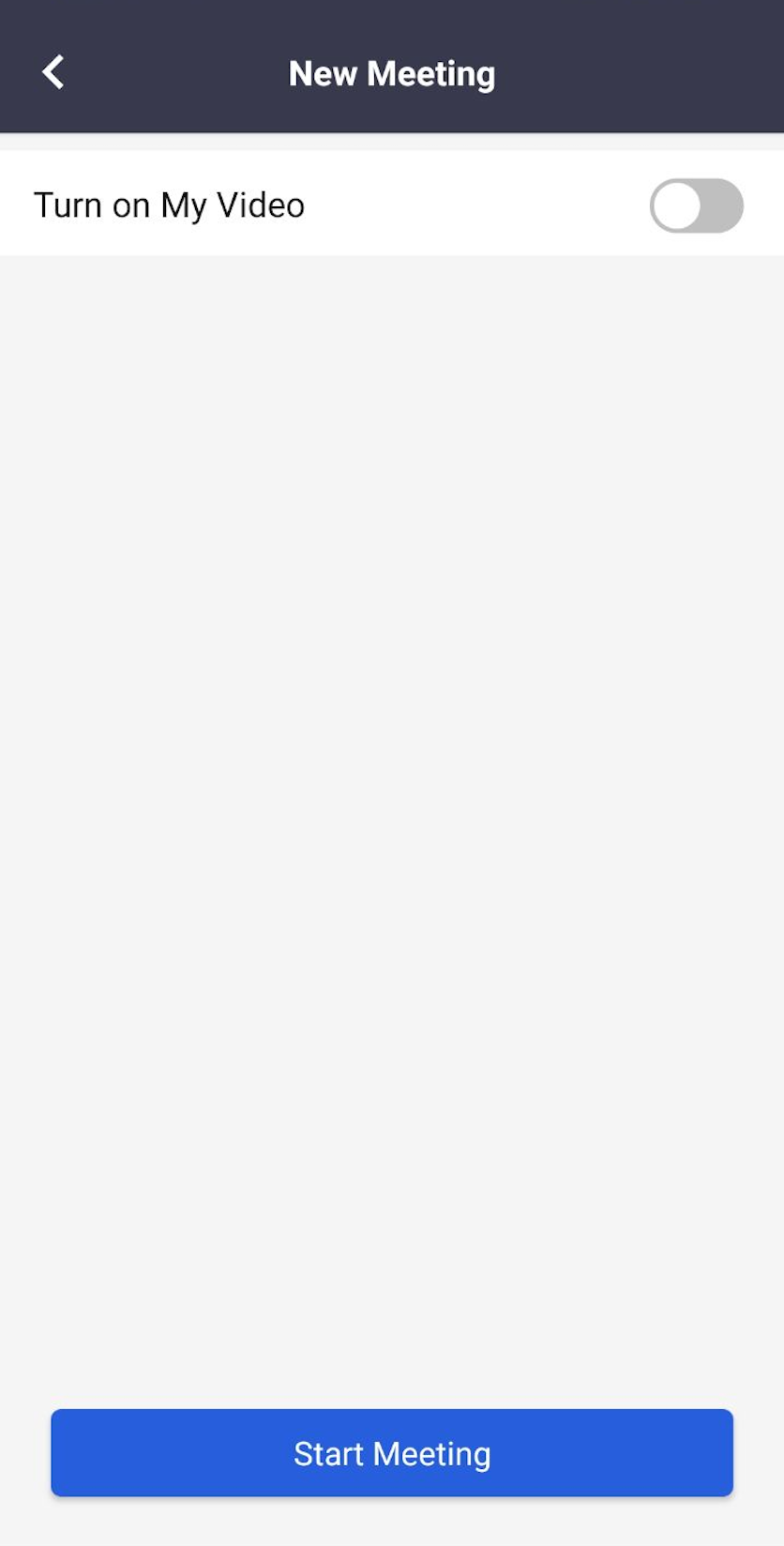
Start an instant meeting
You can start an instant meeting at any time on Matrx.
Windows and macOS
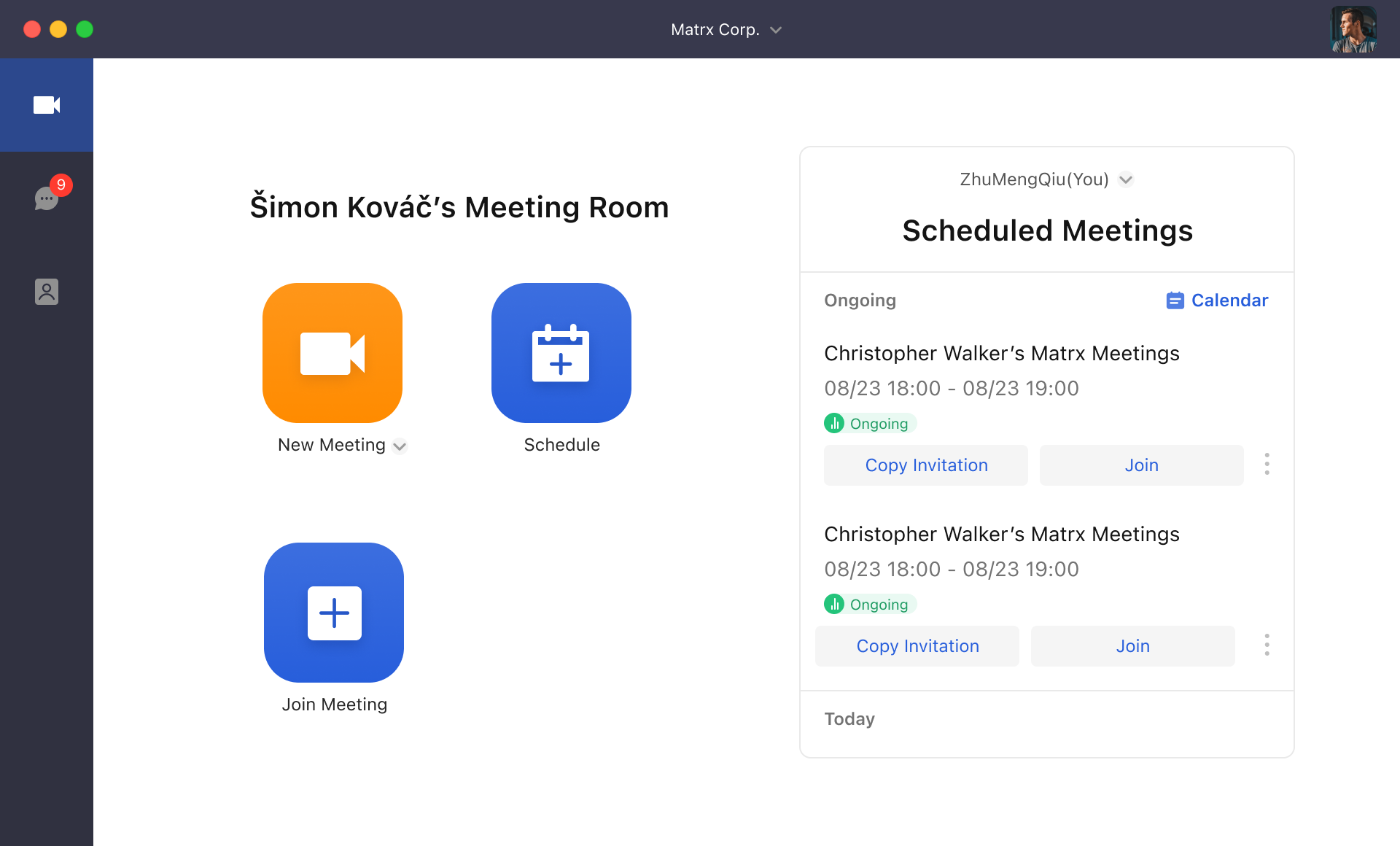
1. Click on the orange button above "New Meeting" and you can start an instant meeting right away.
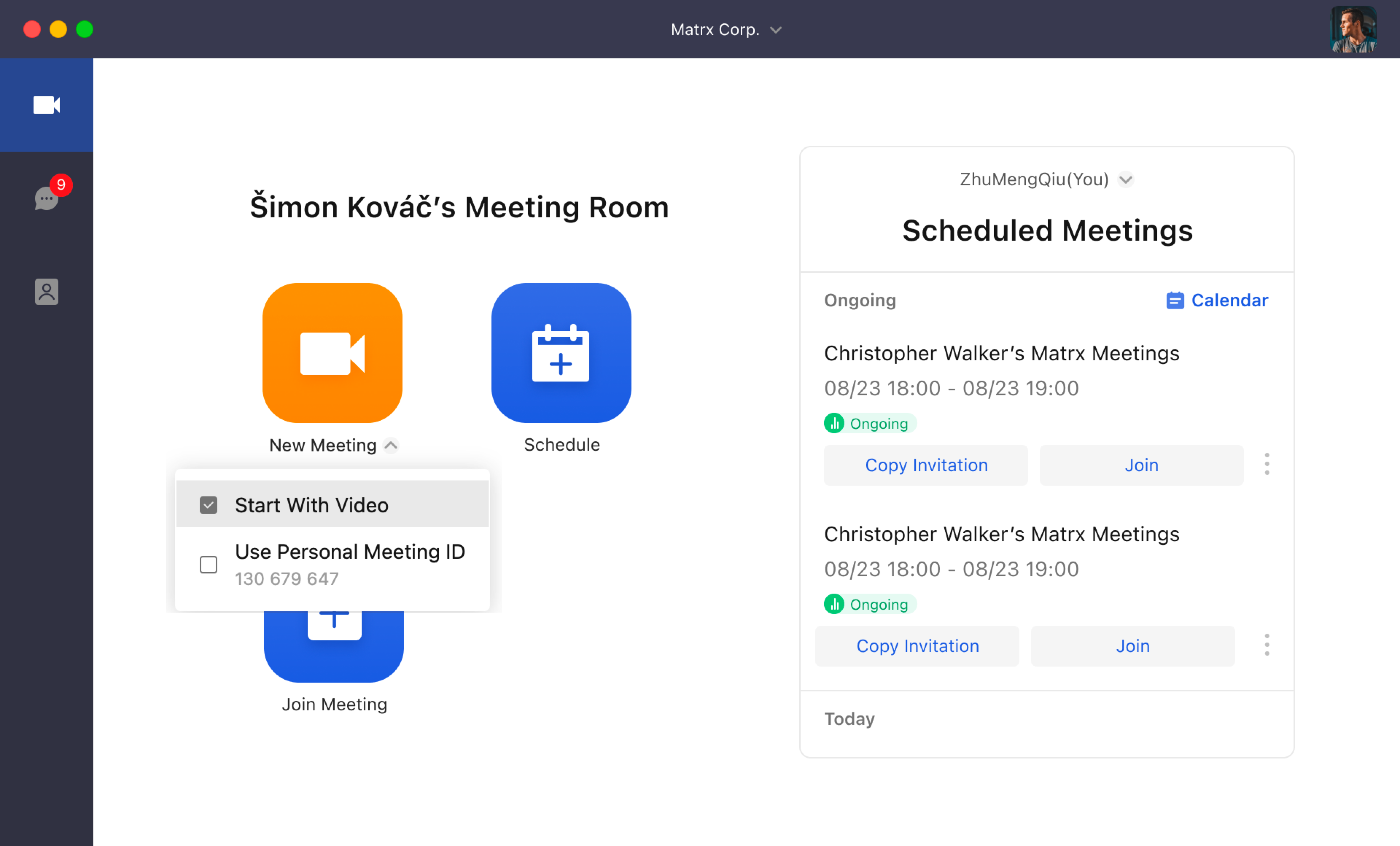
- By clicking the small button beside "New Meeting", you can see a drop list that enables you to choose to start a meeting with or without video.
Android and iOS
1. Tap the orange button above "New Meeting".
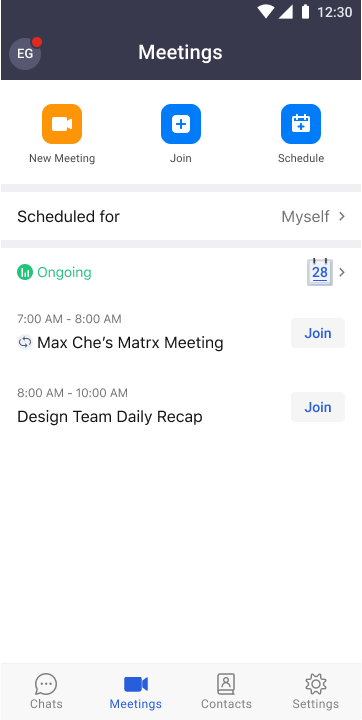
- Choose to start a meeting with or without video and then by tapping "Start Meeting", you can start an instant meeting right away.